Gemini Notebook Adds Copying for Shared Notebooks
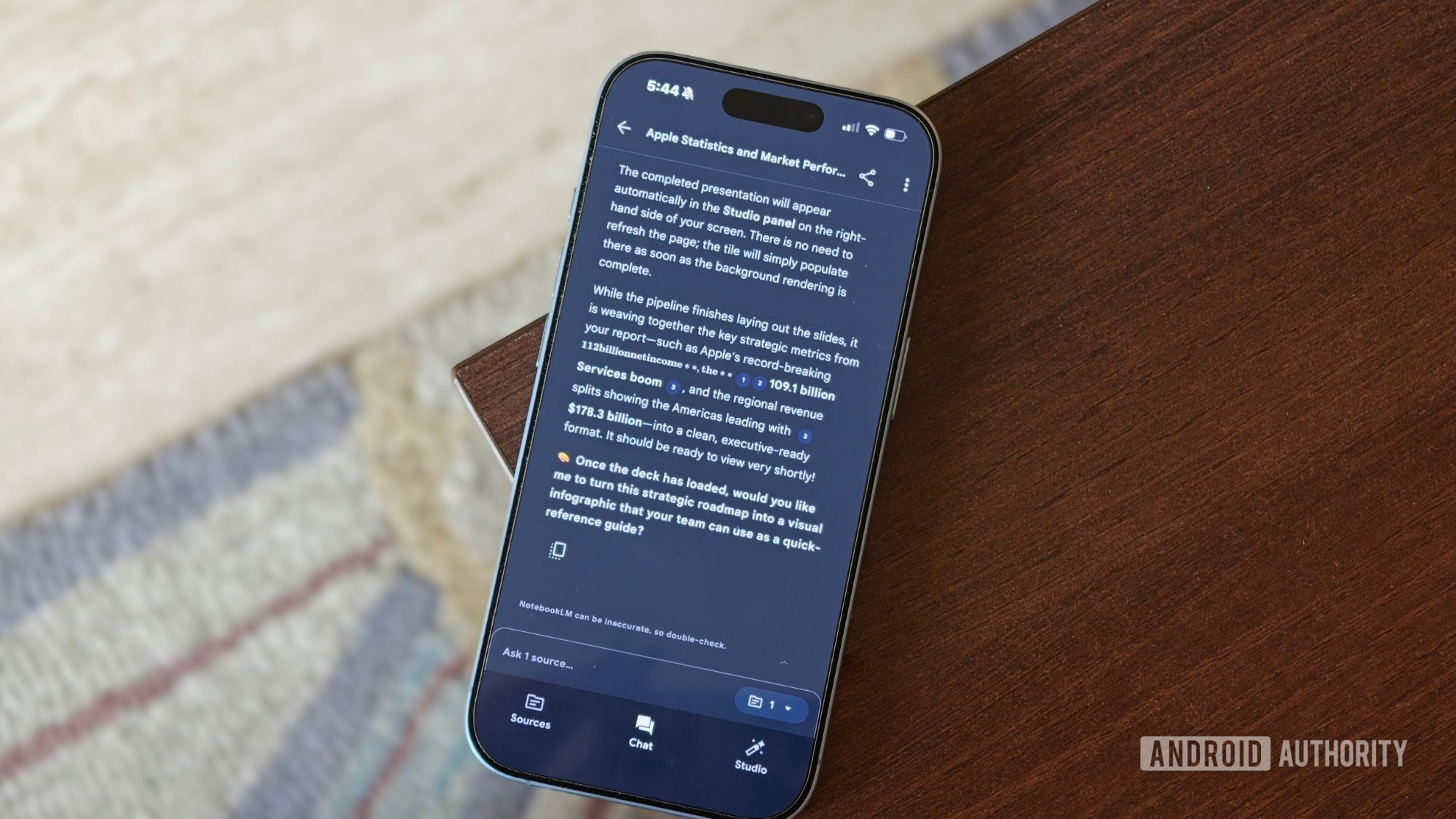
Google made full notebook copying available in Gemini Notebook on August 17, allowing users with copy permission to duplicate shared notebooks into their own libraries. According to Google's Workspace Updates post, copies include eligible sources and Studio artifacts, while personal chat history and user-created notes remain excluded. The copied notebook operates independently of the original.
Google has made full copying of shared notebooks available in Gemini Notebook, enabling authorized users to duplicate a notebook, its eligible sources, and its Studio content into their own library. The feature was available immediately as of Google's August 17 Workspace Updates announcement and is available to Google Workspace customers and personal Google-account users who have access to Gemini Notebook.
A notebook owner controls whether others can copy a shared notebook through the "Allow copies" sharing setting. Google states that copying is enabled by default, and that there is no separate administrator control for the feature.
What transfers to a copied notebook
According to Google, the copied notebook includes both source material and Studio artifacts. The transferable Studio content includes:
- •Audio Overviews and Video Overviews
- •Study Guides, Flashcards, and Quizzes
- •Slide Decks
- •Artifact-generation prompts and custom chat configurations
Google noted an important permission constraint for Drive-backed material: a Google Drive source transfers only when the person creating the copy has permission to access and copy the original Drive file. This preserves Drive's existing file-access controls rather than granting recipients access through the notebook copy itself.
What remains private
Personal chat history and user-generated notes do not transfer to a copied notebook, Google said. The resulting notebook is also independent of the original. Later changes to the source notebook do not overwrite the copied version.
Android Authority described the feature as a way for students or coworkers to begin with shared foundational material rather than recreating a notebook from scratch. Google's own examples similarly cover a student adding study notes and generating personalized practice material from a teacher's shared notebook, or a coworker adapting a shared information base for a project.
For teams using notebooks as reusable research or knowledge-work templates, independent copies create a clearer fork-and-customize workflow. In this case, practitioners should account for the lack of downstream updates when maintaining notebooks that depend on changing source material.
Key Points
- 1Gemini Notebook now copies permitted shared notebooks with eligible sources and Studio artifacts, reducing setup work for reusable research templates.
- 2Drive-based sources transfer only when the recipient already has file access, preserving underlying Google Drive permission boundaries.
- 3Independent copies support customization, while teams using changing reference material need separate processes for propagating later updates.
Scoring Rationale
This is a useful workflow update for practitioners who share Gemini Notebook research, training, or project templates. It does not introduce a new model or core AI capability, but it improves reuse of generated artifacts and source collections across teams and classrooms.
Sources
Primary source and supporting public references used for this report.
Practice interview problems based on real data
1,625 SQL & Python problems across 15 industry datasets — the exact type of data you work with.
Try 250 free problems