Windows 11 adds policy to remove Copilot app
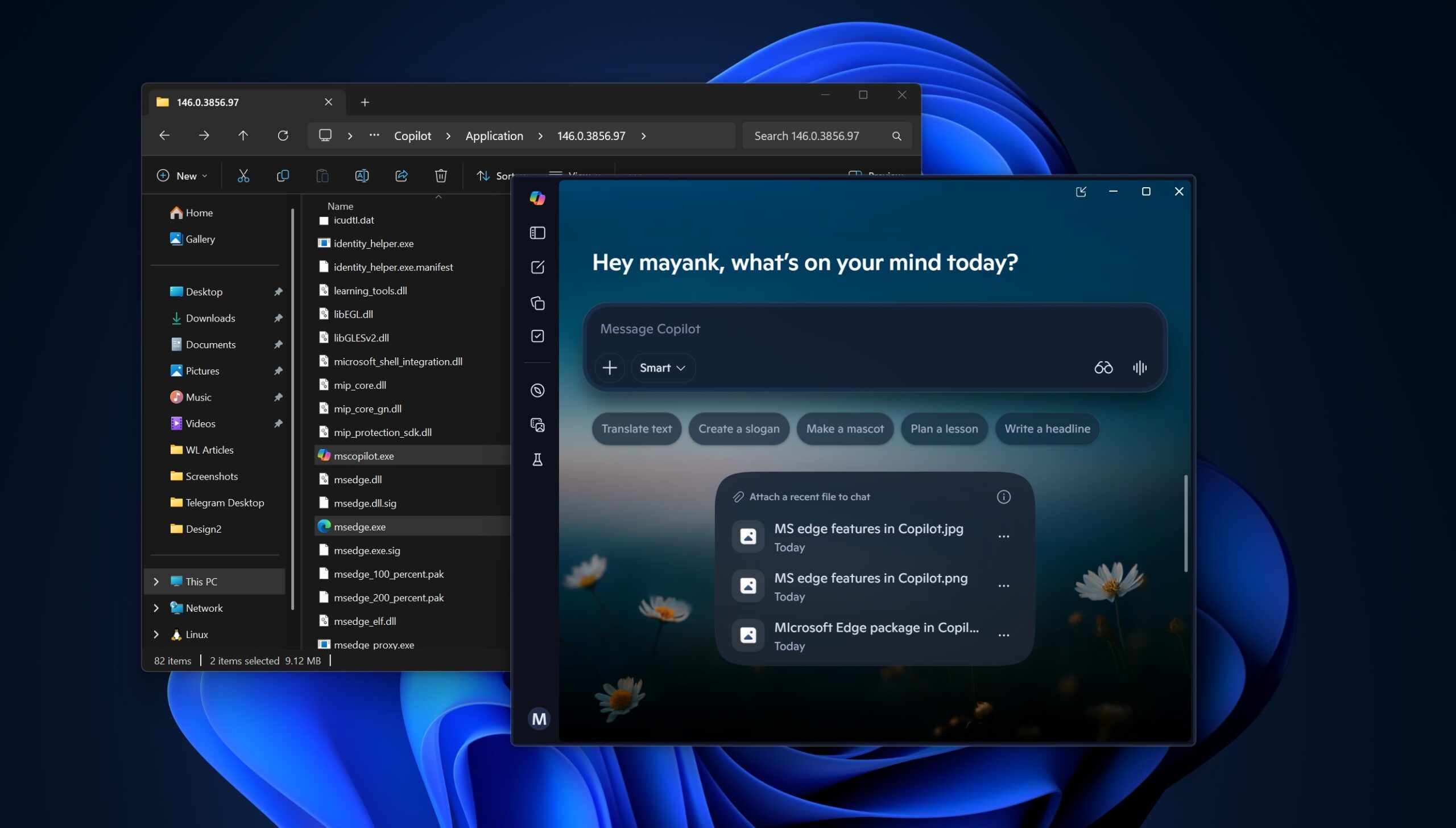
Windows Latest reports that a recent Windows 11 preview build adds a Group Policy named "Remove Microsoft Copilot app," located at User Configuration > Administrative Templates > Windows Components > Windows AI, which can remove the consumer Copilot app and bundled Microsoft 365 Copilot on affected devices. Neowin notes the policy is conditional: it applies only when both Microsoft 365 Copilot and Microsoft Copilot are installed, the Copilot app was not installed by the user, and the app has not been launched in the prior 28 days. Multiple guides (Prajwal Desai, CyberDuo) document alternative controls for admins and power users, including the Intune Settings Catalog entry "Turn off Copilot in Windows," a registry DWORD at HKEY_LOCAL_MACHINE\\SOFTWARE\\Policies\\Microsoft\\Windows\\WindowsCopilot, and AppLocker packaged-app rules to block installation or launch. Community posts (Spiceworks) and how‑to guides confirm PowerShell uninstall methods are often temporary because updates can reinstall the app.
What happened
Windows Latest reports that a recent Windows 11 preview build quietly added a Group Policy called "Remove Microsoft Copilot app," placed under User Configuration → Administrative Templates → Windows Components → Windows AI, and that the policy can remove the consumer Copilot app and bundled Microsoft 365 Copilot when its conditions are met. Neowin documents the policy name RemoveMicrosoftCopilotApp and reports the policy's three removal conditions: both Copilot flavors are installed, the Copilot app was not installed by the end user, and the Copilot app has not been launched in the prior 28 days. Prajwal Desai and CyberDuo publish step‑by‑step controls for administrators and home users, including an Intune Settings Catalog policy named "Turn off Copilot in Windows," a registry tweak at HKEY_LOCAL_MACHINE\\SOFTWARE\\Policies\\Microsoft\\Windows\\WindowsCopilot with a TurnOffWindowsCopilot DWORD, and AppLocker packaged app rules to deny Copilot packages. Community threads on Spiceworks and Windows forums report that manual PowerShell removal (for example, Get-AppxPackage -Name "Microsoft.Copilot" | Remove-AppxPackage) can be temporary because Windows updates may reinstall the package.
Technical details
Prajwal Desai documents Intune configuration via the Settings Catalog and names the setting "Turn off Copilot in Windows (User)." CyberDuo provides a registry recipe for Home editions and recommends AppLocker packaged‑app denial rules as a more durable block for later Windows releases, including the publisher string for Microsoft signed packages. Neowin notes the policy's logic effectively requires the app to be unused for 28 days before automatic removal will apply, which constrains how widely the policy will uninstall Copilot in managed fleets.
Editorial analysis - technical context
Industry observers: enterprise device controls for optional platform apps typically combine MDM/Intune, Group Policy, and application whitelisting (AppLocker or Defender Application Control). The registry and Intune Settings Catalog entries cited by Prajwal Desai and CyberDuo align with existing Windows management patterns for disabling built‑in features when GPO is not available. Reinstall behavior after feature updates is a well documented Windows lifecycle issue; community troubleshooting threads (Spiceworks) and sysadmin guides commonly recommend blocking installation at the package or installer level for durable enforcement.
Industry context
Public reporting frames this Group Policy addition as related to user and admin concerns about Copilot presence on endpoints. The Neowin reporting and community threads highlight a tradeoff between ease of removal and vendor control: policy gating conditions (both Copilot variants installed, not user‑installed, no launch in 28 days) reduce immediate removals in many real‑world situations.
For practitioners, What to watch
For practitioners
check the exact Group Policy and Intune Settings Catalog names in your current preview/production builds before rollout. Test AppLocker packaged‑app rules on representative devices if you require durable blocking. Monitor Windows update behavior in lab images to confirm whether removals persist after cumulative or feature updates. Finally, track Microsoft documentation and subsequent Insider releases for any changes to the policy criteria or recommended enterprise controls.
Key Points
- 1Windows 11 preview adds a Remove Microsoft Copilot app Group Policy visible under Windows AI, enabling managed removal when criteria are met.
- 2The policy is conditional, it applies only if both Copilot variants are installed, not user‑installed, and unused for 28 days, limiting immediate removals.
- 3Admins and power users can use Intune Settings Catalog, registry DWORDs, or AppLocker packaged‑app rules to disable or block Copilot more persistently.
Scoring Rationale
This change matters to IT admins and security teams because it provides another managed-control for a prominent built‑in assistant, but the policy's restrictive conditions and the need for complementary controls (Intune, registry, AppLocker) limit immediate operational impact.
Sources
Public references used for this report.
Practice interview problems based on real data
1,625 SQL & Python problems across 15 industry datasets — the exact type of data you work with.
Try 250 free problems