Microsoft Auto-Installs Microsoft 365 Copilot on Windows
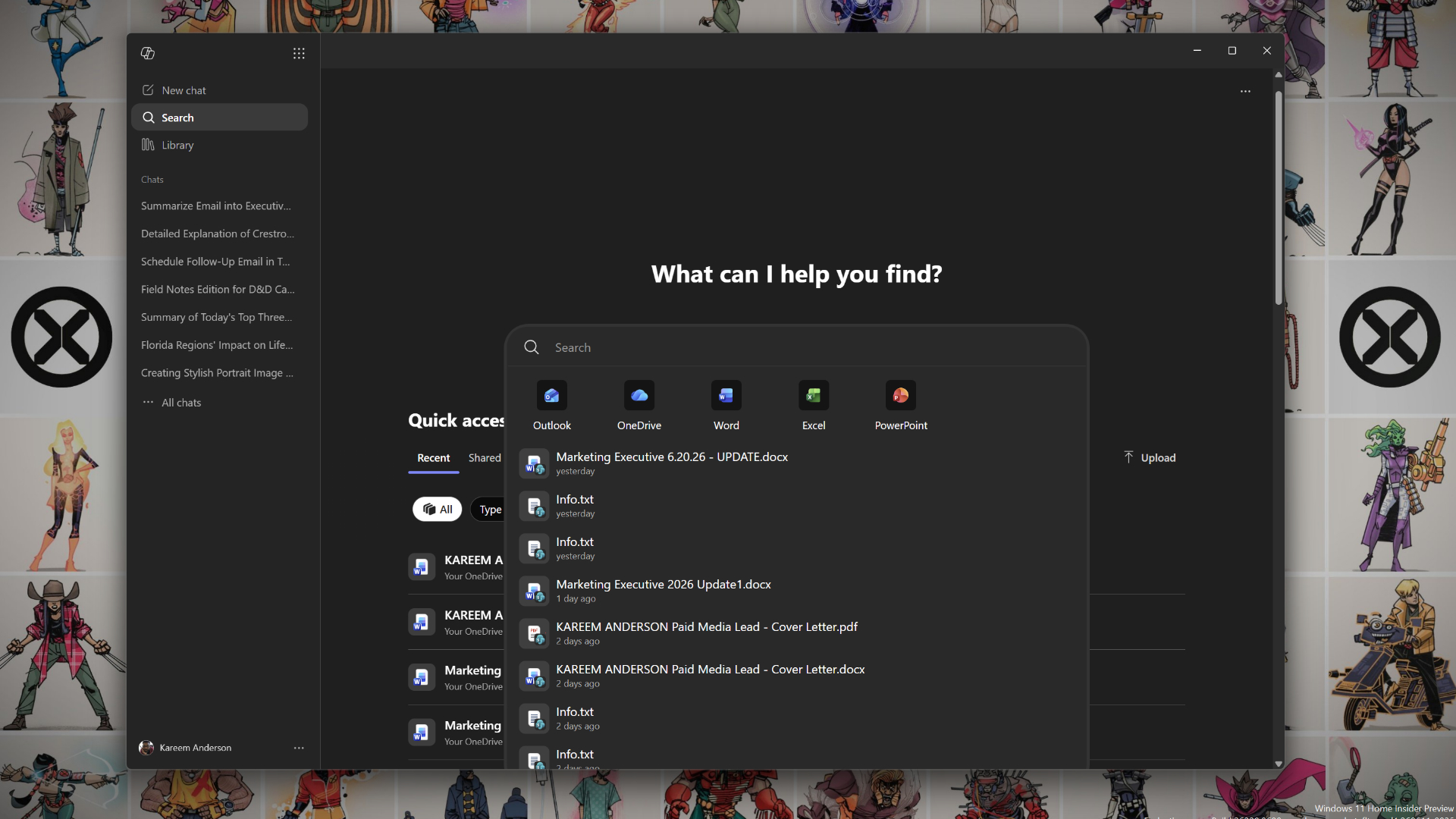
Microsoft resumed automatic installation of the Microsoft 365 Copilot app on eligible commercial Windows devices starting in June 2026, per Microsoft's MC1152323 admin-center notification and updated deployment documentation. The rollout targets Windows 10 (22H2 or later) and Windows 11 devices with Microsoft 365 desktop apps installed, initially for tenants with Copilot add-on licenses, with completion expected by late July 2026. Enterprise admins can block the install via a 'Disable Microsoft 365 Copilot auto-install' policy introduced in the May 2026 Administrative Templates update; end users can manually remove the app, and Microsoft has committed not to reinstall it for 90 days after manual removal. Neowin and other outlets report that the European Economic Area is exempt under the Digital Markets Act. The resumption follows a March 2026 pause after a configuration error caused installations on unlicensed tenants, and the original October 2025 rollout plan that generated significant user backlash documented by BleepingComputer and others.
What happened
Microsoft updated its deployment documentation and Microsoft 365 admin-center notifications (MC1152323) to announce the resumed automatic installation of the Microsoft 365 Copilot app on eligible commercial Windows devices. The rollout began in early June 2026 and is expected to complete by late July 2026. Microsoft Learn documents the rollout as targeting Windows 10 (22H2 or later) and Windows 11 devices where Microsoft 365 desktop apps are already installed, limited initially to tenants that have purchased Copilot add-on licenses.
Technical details
Per Microsoft's deployment overview on Microsoft Learn, the installation uses the same delivery mechanism as Microsoft Teams and OneDrive for Business. The Copilot app is pinned to the taskbar and integrates with Word, Excel, PowerPoint, and Outlook. Unlicensed users see a prompt to contact their admin but do not receive active Copilot features. A new policy object, "Disable Microsoft 365 Copilot auto-install," was added to the May 2026 Administrative Templates update and can be used to block installation at the tenant or device level. End users can uninstall the app via Settings > Apps > Installed apps without admin privileges, and Microsoft has committed not to reinstall the app for 90 days after a manual removal.
Context and significance
The resumption comes after a March 2026 pause. Microsoft had originally planned automatic installation in October 2025, which generated significant backlash - documented by BleepingComputer, PCMag, and How-To Geek - and a subsequent configuration oversight targeted unlicensed tenants, prompting Microsoft to pause and issue a cleanup script. Neowin and others report that the European Economic Area is exempt from the auto-install under Digital Markets Act constraints, meaning different regional policies apply to European Microsoft 365 fleets.
What IT and AI practitioners need to do
For enterprise and IT teams, this is an opt-out deployment: the default is to install, requiring deliberate action to block. The May 2026 Administrative Templates policy object and Intune deployment paths are the primary controls. For privacy, compliance, and endpoint-management teams, the regional DMA exemption creates split configurations across EEA and non-EEA tenants. Practitioners should verify current admin-center policies before the rollout completes.
Key Points
- 1Microsoft resumed automatic Copilot app installation on eligible Windows devices in early June 2026, targeting M365-licensed tenants with a rollout completing by late July.
- 2This is an opt-out deployment: enterprise admins must apply a May 2026 Group Policy object or Intune setting to block it; end users can manually remove the app for a 90-day grace period.
- 3European Economic Area tenants are exempt under the Digital Markets Act, creating split configurations for multi-region IT teams managing Microsoft 365 fleets.
Scoring Rationale
Resuming automatic Copilot installation signals Microsoft's continued push to embed AI into the default Windows enterprise experience at scale, with immediate operational implications for IT governance, endpoint management, and regional compliance teams. For AI/DS/ML practitioners the impact is secondary - this is primarily an IT deployment story - and the opt-out controls and EEA exemption limit its reach, placing it in the solid-but-not-notable tier.
Sources
Public references used for this report.
View 4 more sources
- Microsoft Won't Auto-Install Microsoft 365 Copilot App on Windows 11 After Backlashtechpowerup.com
- Microsoft Is Adding More Bloat To Your Windows 11 PChowtogeek.com
- Microsoft Will Automatically Install Copilot App on Windows - PCMagpcmag.com
- Microsoft to force install the Microsoft 365 Copilot app in Octoberbleepingcomputer.com
Practice with real Banking data
90 SQL & Python problems · 15 industry datasets
250 free problems · No credit card
See all Banking problems