Google Previews Android CLI Optimized for AI Agents
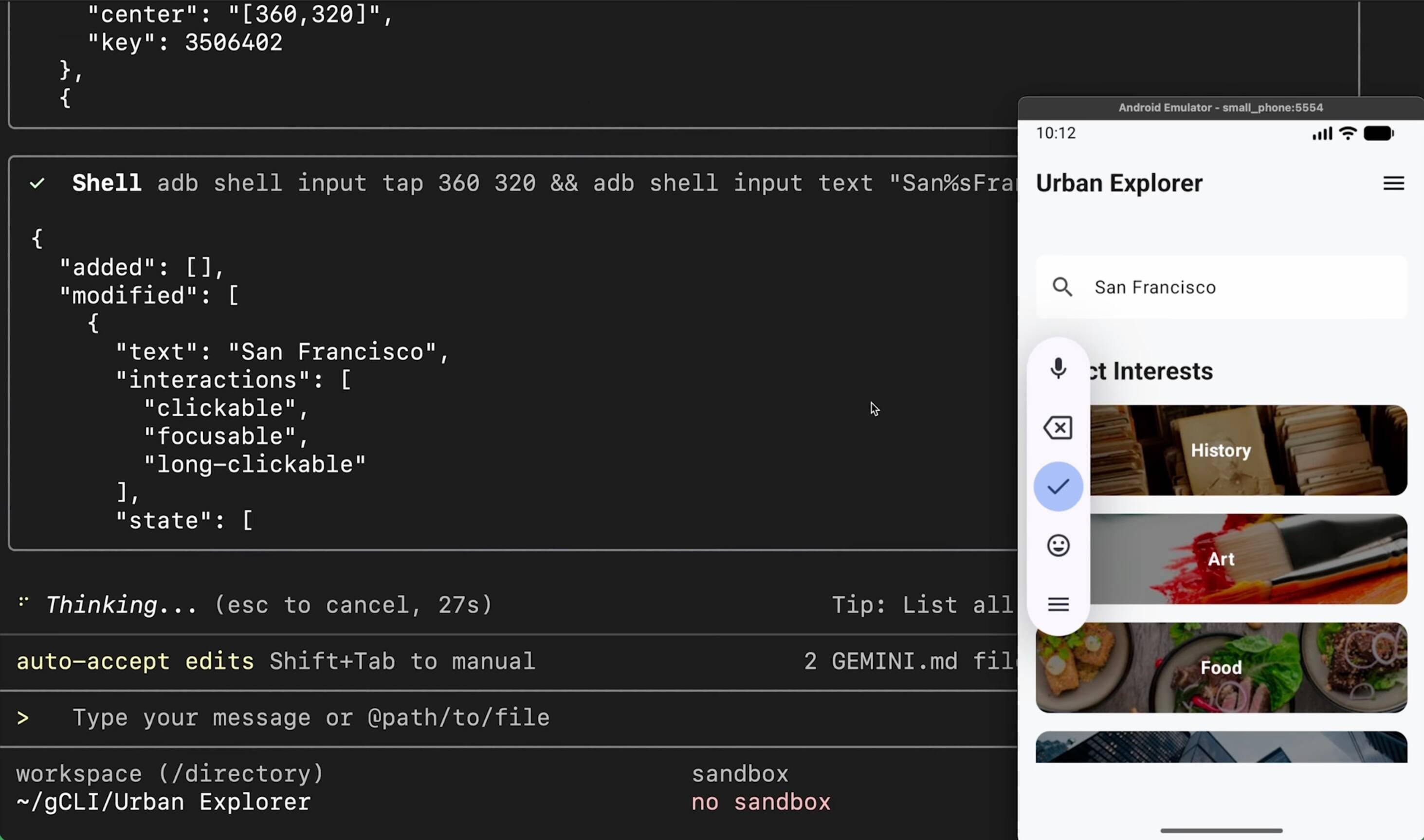
Google has introduced a new Android CLI designed so software agents can build and manage Android projects outside of Android Studio. The tool, available for Apple silicon, AMD64 Linux, and AMD64 Windows, exposes an android command with arguments to create projects from templates, install and manage the Android SDK and device emulators, and discover or run instruction files called Android skills. Google claims the CLI cuts token usage by 70% and speeds task completion by 3x when used by agents like Google Gemini. The CLI itself is not an LLM; it is automatable for scripts and non-agent workflows. A describe argument emits project metadata and a docs argument queries Android documentation. The release includes a small skills registry with 7 skills at launch. Usage data is collected by default, with an opt-out via --no-metric. Early developer reaction is mixed, with some calling the initial feature set limited. The CLI is positioned as a complement to, not a replacement for, Android Studio.
What happened
Google previewed the new Android CLI, a command-line tool designed explicitly to support agentic Android development. The company claims the tool reduces token consumption by 70% and achieves approximately 3x faster task completion when agents such as Google Gemini orchestrate builds and tests. The CLI targets automation workflows outside Android Studio while remaining compatible with projects that can later be opened in the IDE.
Technical details
The tool installs an android command and provides arguments for common lifecycle tasks. Key capabilities include:
- •creating applications from templates
- •installing and managing the Android SDK and device emulators
- •finding and listing Android skills, the instruction files agents use to perform focused tasks
- •describe, which analyzes a project and generates descriptive metadata
- •docs, which searches and fetches documentation from the Android knowledge base
The CLI ships for Apple silicon, AMD64 Linux, and AMD64 Windows. Android skills are surfaced via a registry; 7 skills are listed at launch. Telemetry is enabled by default to "help improve the tool," with an opt-out flag --no-metric for commands to exclude from collection. Importantly, the CLI is not itself an LLM or AI runtime; it is intended as an agent-friendly interface that agents or CI scripts can call.
Context and significance
Agentic development is accelerating the need for machine-friendly developer tooling. Traditional IDEs like Android Studio are optimized for human workflows; the Android CLI formalizes a programmatic surface area tailored to LLM-driven agents and automation pipelines. The claimed 70% token savings and 3x speed improvement, if borne out in independent tests, lower cost and latency for agentic flows and could make Android a more accessible target for automated app generation, testing, and maintenance. The default telemetry setting and the current small set of skills moderate adoption risk among privacy-sensitive teams and power users who expect extensive templates and deeper device control.
What to watch
Track expansion of the skills registry, community contributions of templates, and independent benchmarks of the token and task-time claims. Also watch how Google responds to privacy and telemetry concerns, and whether third-party CI/CD tools add first-class integration with the CLI.
Key Points
- 1Android CLI exposes an android command tailored to agents, reducing friction between LLMs and Android project lifecycles.
- 2Google claims 70% token reduction and 3x faster task completion, which could materially lower cost and latency for agentic pipelines.
- 3Default telemetry and a small initial skills set temper adoption; expansion of skills and privacy controls will determine practical utility.
Scoring Rationale
The Android CLI is a notable product move that standardizes a programmatic interface for agent-driven Android workflows and claims material efficiency gains. It is product-level, not a frontier model or regulation, and its practical impact depends on adoption, ecosystem support, and validation of Google's performance claims.
Practice with real Ad Tech data
90 SQL & Python problems · 15 industry datasets
250 free problems · No credit card
See all Ad Tech problems