Tutorialgmailtakeoutgoogle driveemail management
Gmail Reclaims Storage Without Deleting Messages
7.1
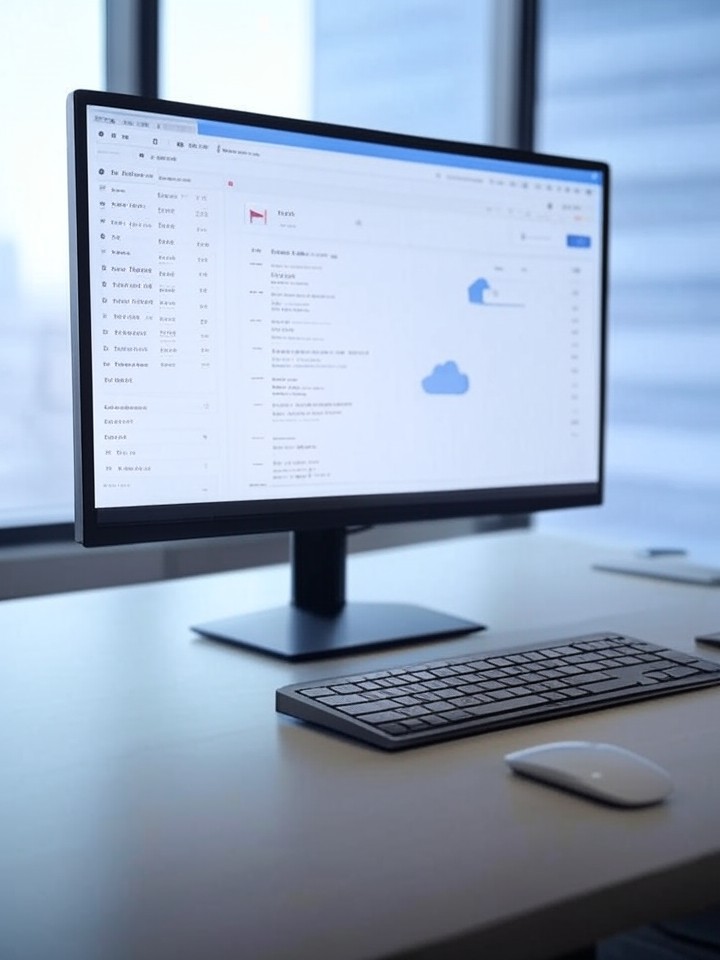
Recent guides and expert tips show how Gmail users can reclaim storage without deleting messages by exporting, detaching, or relocating attachments. Techniques include Google Takeout exports, Gmail search operators (e.g., has:attachment larger:10M), third-party cleaners like Clean Email, and Drive-linking to preserve threads while offloading files. These steps help free the shared 15GB quota and maintain archival integrity for personal and professional accounts.
Key Points
- 1Use Google Takeout and export emails to external clouds to offload gigabytes without deleting archives
- 2Apply Gmail search operators to locate large attachments and old threads that disproportionately consume the shared 15GB
- 3Employ scripts, AI cleaners, or Drive links to preserve message history while freeing space for workflows
Scoring Rationale
Practical, widely applicable tactics with authoritative sources, but limited novelty beyond established Gmail tools.
Practice interview problems based on real data
1,625 SQL & Python problems across 15 industry datasets — the exact type of data you work with.
Try 250 free problems