Tutorialagentscopilot studiosharepointpower automate
Agent Uploads Excel File To SharePoint
6.1
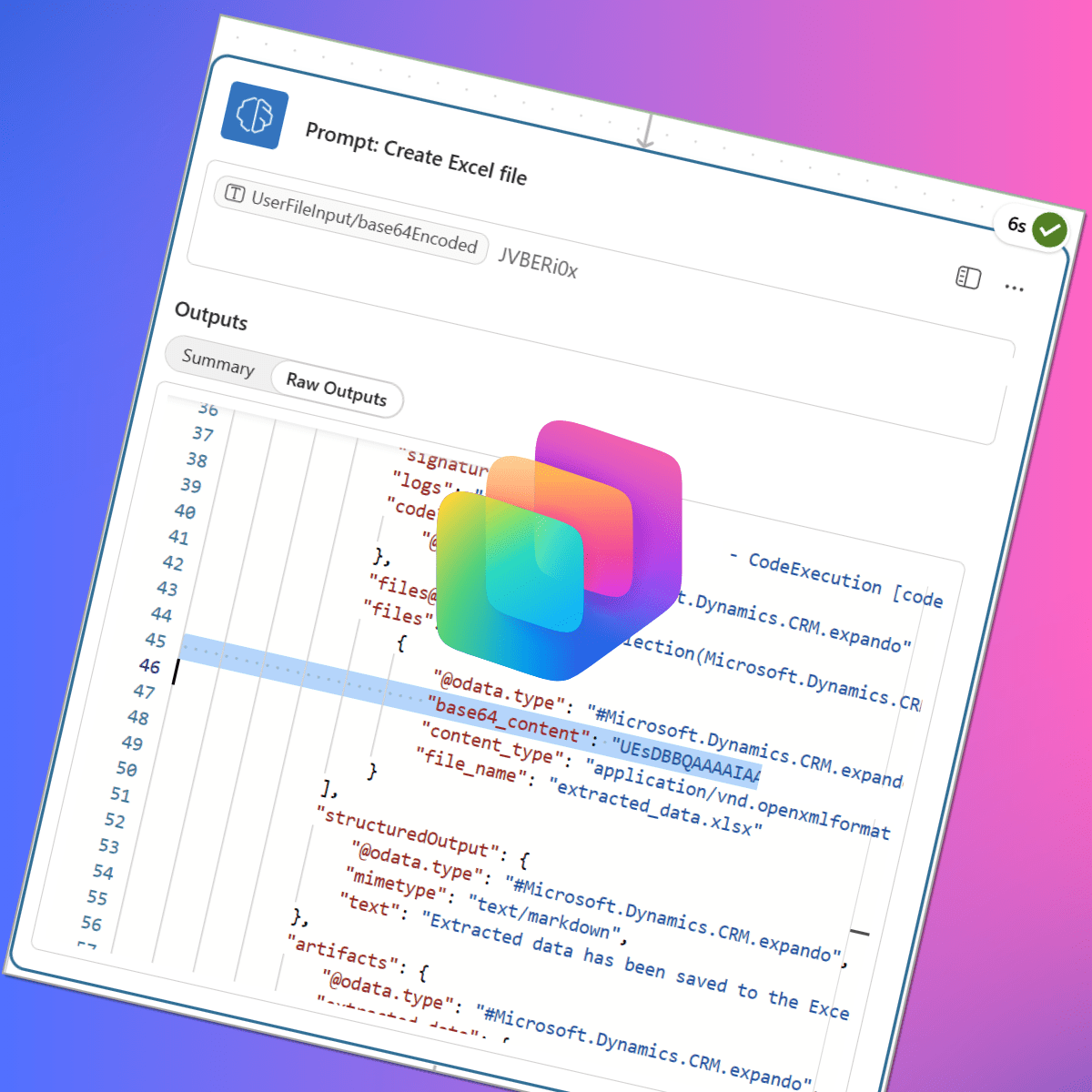
This tutorial shows how to use prompts inside an Agent flow in Copilot Studio to generate an Excel file from an uploaded document and upload it to SharePoint without using an Excel connector. It details triggers (An activity occurs), a File input, enabling Code Interpreter, extracting base64_content from the prompt response, and using base64toBinary in a Create file action to produce a shareable link.
Key Points
- 1Uses Agent flow and prompts to create Excel file and upload to SharePoint without connector
- 2Demonstrates Copilot Studio and Code Interpreter extracting base64_content from prompt responses
- 3Enables practitioners to automate file creation, use base64toBinary in Power Automate Create file action
Scoring Rationale
Practical, directly usable tutorial with clear Power Automate steps, limited novelty, and single-source blog origin reduces generalizability.
Practice interview problems based on real data
1,625 SQL & Python problems across 15 industry datasets — the exact type of data you work with.
Try 250 free problems