Microsoft removes Copilot branding from Windows 11 apps
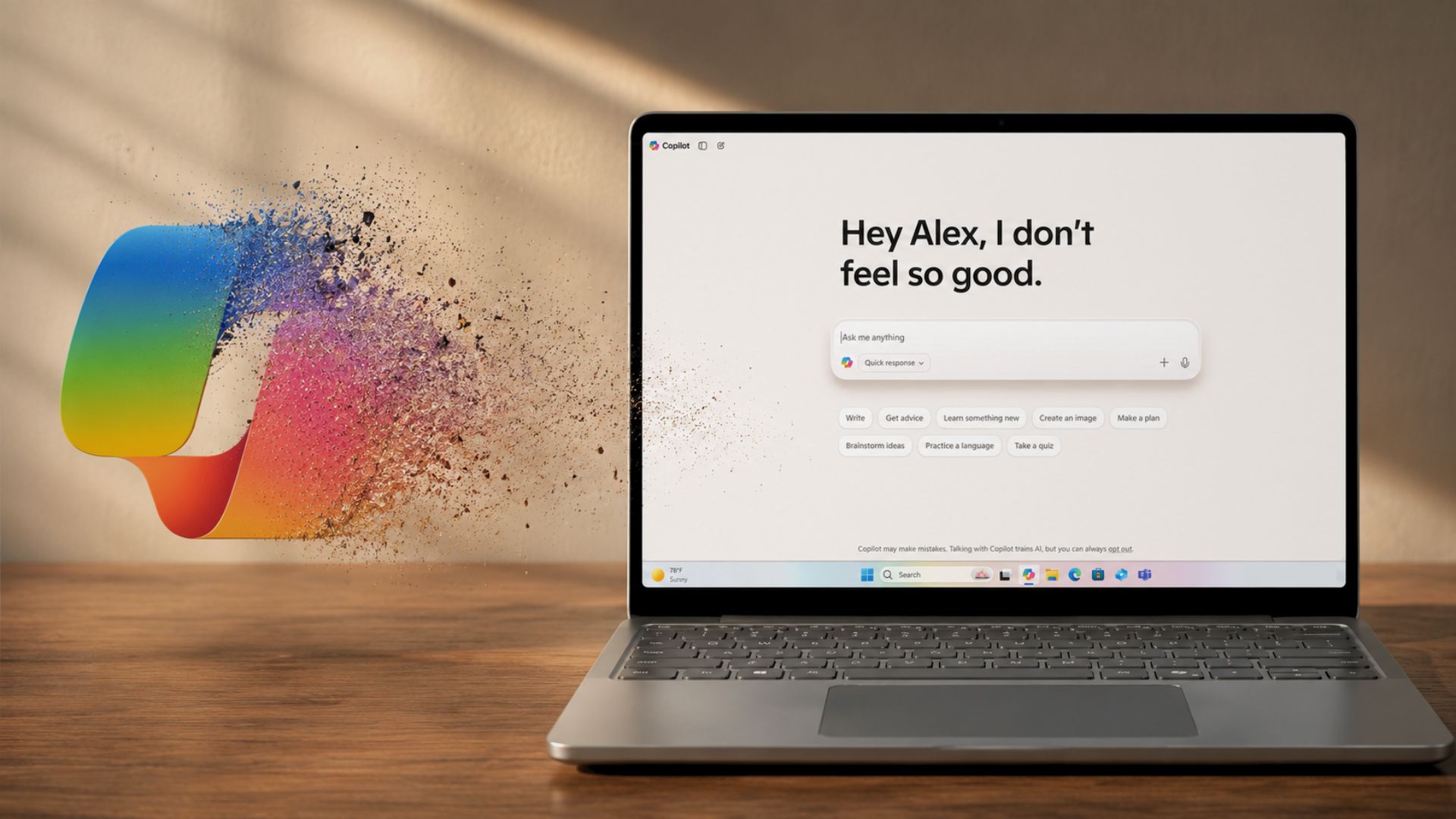
Reporting from CNET and Engadget shows that recent Windows 11 Insider builds have removed Copilot branding from parts of the OS, replacing the Notepad Copilot menu with a "Writing tools" label while leaving the underlying AI features intact (CNET, Engadget). BleepingComputer reports that Microsoft rolled out a new policy, RemoveMicrosoftCopilotApp, that lets administrators uninstall the Copilot app from managed Windows 11 devices after April 2026 patching (BleepingComputer). WindowsLatest and XDA Developers compile additional reporting that Microsoft has trimmed visible Copilot entry points in apps such as Notepad, Snipping Tool and Widgets and that Microsoft executives publicly signaled a pullback on Copilot integrations in recent posts and blog commentary (WindowsLatest, XDA Developers). For practitioners, the changes mean reduced UI surface area for Copilot and clearer enterprise controls, but the underlying AI capabilities remain available in many places.
What happened
Microsoft has begun removing visible Copilot branding and entry points from parts of Windows 11, according to multiple outlets. CNET and Engadget report that an Insider build (version 11.2512.28.0) replaces the Notepad Copilot menu with a "Writing tools" label while keeping the AI-powered functions in place (CNET; Engadget). XDA Developers and WindowsLatest document a broader reduction in Copilot UI elements, noting changes to Notepad, the Snipping Tool, Photos and Widgets (XDA Developers; WindowsLatest). BleepingComputer reports that a new policy, RemoveMicrosoftCopilotApp, is now available as a Policy CSP and Group Policy after the April 2026 Patch Tuesday, allowing admins to uninstall the Microsoft Copilot app on managed Windows 11 devices (BleepingComputer).
Technical details
Reporting by CNET and Engadget indicates the Notepad update removes Copilot-specific text and the swirly icon, replacing them with a pen icon and relocating AI options into an "Advanced features" or "Writing tools" section for Insiders (CNET; Engadget). BleepingComputer documents the RemoveMicrosoftCopilotApp policy behavior and its scope: it applies to Windows 11 25H2 devices with Microsoft 365 Copilot and Microsoft Copilot installed, and is available for Enterprise, Professional and Education SKUs; users can reinstall the app if they choose (BleepingComputer). WindowsLatest cites deleted posts from Xbox CEO Asha Sharma and Copilot EVP Jacob Andreou that, in their text, referenced retiring features and removing Copilot where it "doesn't live up to its promise"; those posts were deleted after publication (WindowsLatest).
Editorial analysis: Context and significance
Editorial analysis: Implications for product and UX work
Industry context
The pattern of removing branding while retaining functionality is consistent with large-platform product teams responding to user backlash without fully rolling back technical investments. Public reporting shows Microsoft is reducing visible Copilot prompts and adding centralized controls rather than deleting underlying AI capabilities (CNET; Engadget; XDA Developers). For IT practitioners, the RemoveMicrosoftCopilotApp policy represents the most consequential change: it converts a user-facing deployment decision into an administrable policy, which matters for compliance, DLP and endpoint management workflows (BleepingComputer).
Replacing overt assistant buttons with contextually named features (for example, renaming to "Writing tools") reduces ambient friction in the UI while preserving the AI value layer. Reporting suggests Microsoft's moves aim to reduce perceived bloat and unwanted interruptions by curating where the assistant surface appears (CNET; Engadget; XDA Developers). For product teams, this kind of change is a common way to balance continued investment in behind-the-scenes AI with user experience sensitivity.
What to watch
Reporting-focused indicators to follow include: whether the Copilot name disappears from stable Windows 11 releases beyond Insiders (CNET), how broadly IT shops adopt the RemoveMicrosoftCopilotApp policy (BleepingComputer), and whether Microsoft publishes additional guidance or telemetry about where Copilot produces measurable value versus where it degrades UX (WindowsLatest; XDA Developers). Observers should also watch for official Microsoft blog updates or documentation that explicitly enumerate which entry points are deprecated versus retained.
Summary takeaway
Editorial analysis
The current coverage documents a visible retreat of Copilot branding and the addition of an enterprise uninstall policy, while also showing that many AI features remain operational behind new labels and settings. For practitioners, the changes matter most at the IT policy and UX layers: administrators gain a removal tool, and end users see fewer Copilot prompts, but the platform-level AI investments persist.
Key Points
- 1Microsoft is removing Copilot branding from Windows 11 Insider apps while keeping the AI features, reducing UI prominence without wholesale removal.
- 2A new RemoveMicrosoftCopilotApp policy lets admins uninstall Copilot on managed devices, shifting deployment control to IT teams.
- 3Industry pattern: platforms often relabel or hide AI surfaces after backlash, preserving functionality while easing user friction and governance.
Scoring Rationale
The story matters to practitioners responsible for Windows endpoints and UX because it changes visible AI surfaces and adds an enterprise policy to uninstall Copilot. It is not a frontier-model or infrastructure milestone, but it has operational significance for IT, compliance and product teams.
Sources
Public references used for this report.
Practice interview problems based on real data
1,625 SQL & Python problems across 15 industry datasets — the exact type of data you work with.
Try 250 free problems