
Microsoft Adds Toggle To Remove AI Actions
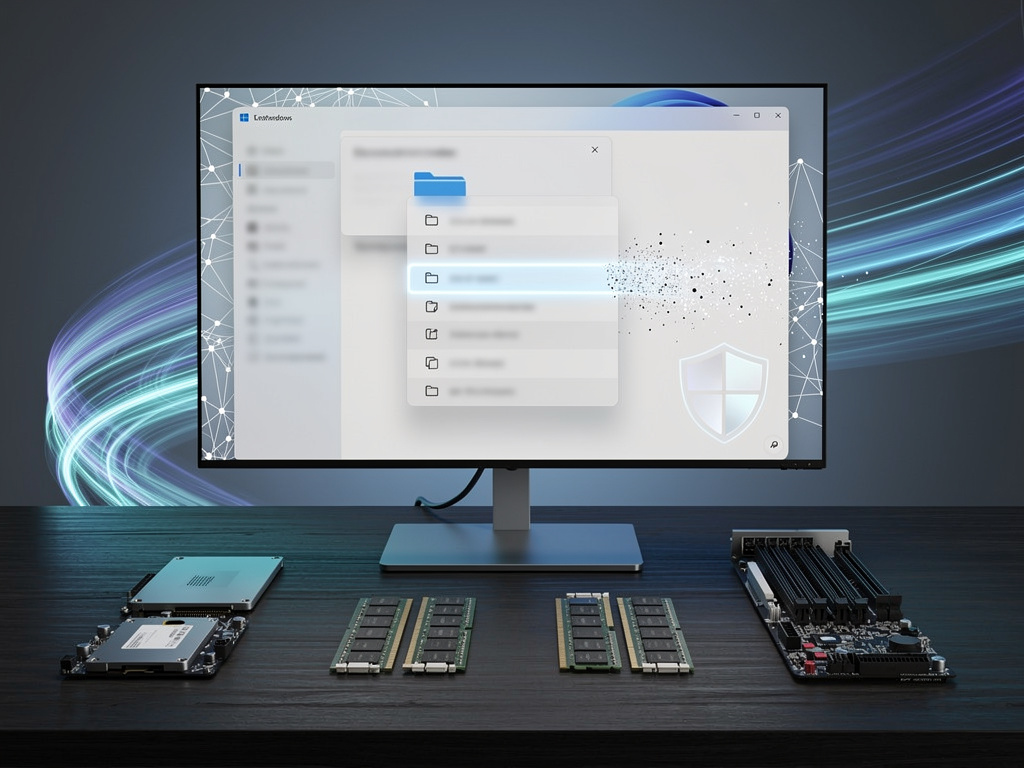
Microsoft in recent Windows 11 Insider preview builds (e.g., 26220.7344) adds a toggle to fully remove AI Actions from the File Explorer right-click context menu. The change hides the AI Actions section when no actions are enabled or available, addressing user complaints about clutter and empty placeholders. It aims to improve UI cleanliness and reduce potential privacy or performance concerns tied to cloud-based AI processing.
Key Points
- 1Introduce toggle to remove AI Actions from File Explorer context menu.
- 2Address persistent user complaints about menu clutter, empty placeholders, and intrusive AI integrations.
- 3Enable IT admins and users to simplify deployments, improve performance, and limit cloud data exposure.
Scoring Rationale
Useful, officially tested UI toggle with direct admin applicability, but represents a minor incremental UX adjustment rather than major innovation.
Sources
Public references used for this report.
Practice interview problems based on real data
1,625 SQL & Python problems across 15 industry datasets — the exact type of data you work with.
Try 250 free problems