GitHub Engineer Builds Personal Organization Command Center
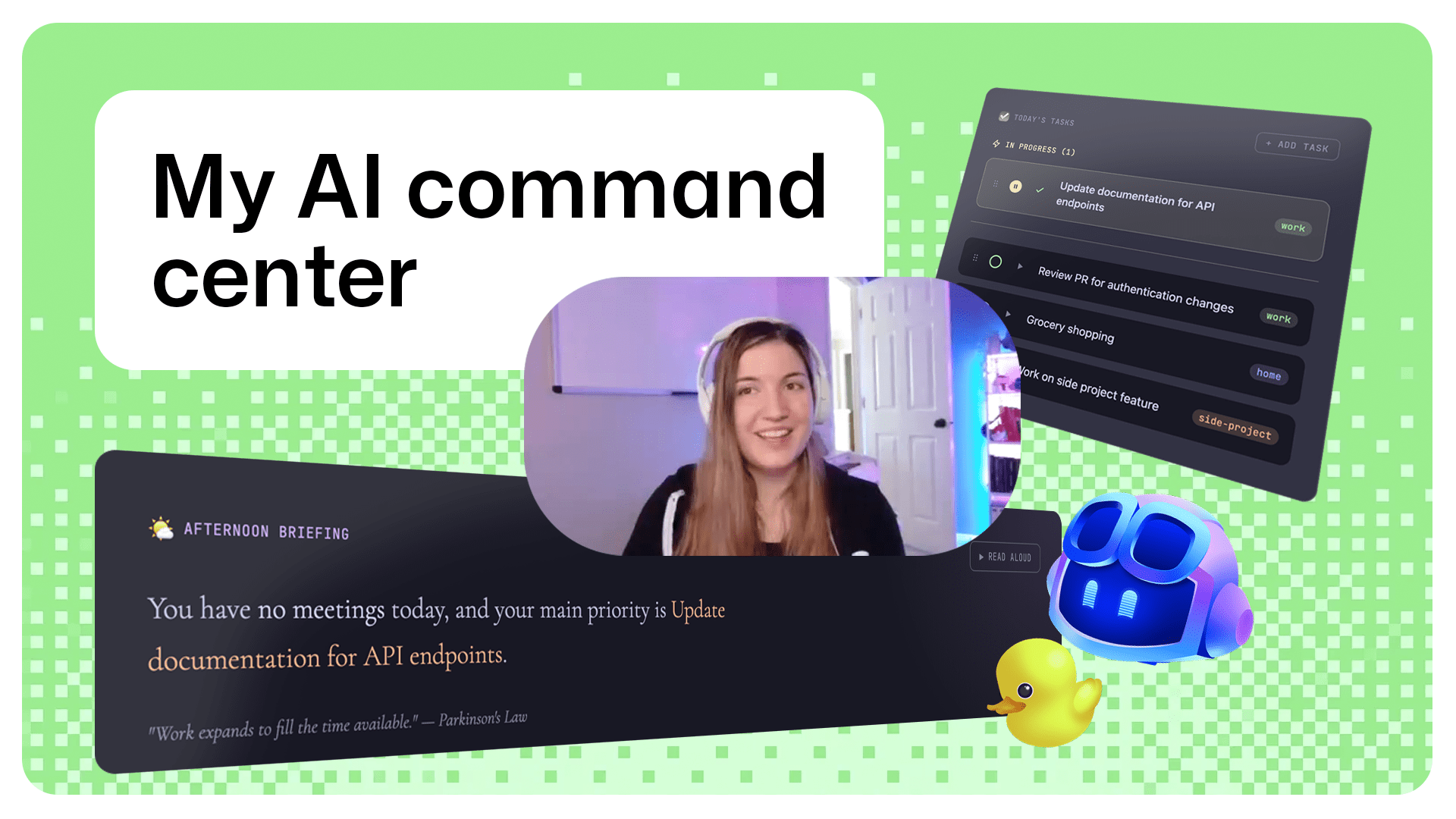
A GitHub staff software engineer, Brittany, used GitHub Copilot CLI to build a personal organization command center that consolidates data from a dozen apps into a single visual workspace. Using a plan-then-implement workflow where AI drives planning and GitHub Copilot CLI accelerates implementation, Brittany moved from idea to a working v1 in 1 day while continuing regular responsibilities. The project highlights practical developer workflows for rapid prototyping, dogfooding internal AI tools, and combining lightweight automation with a visual surface. The post includes a short Q&A, a video demo, and pointers to GitHub Copilot CLI learning resources and the Rubber Duck companion for alternative perspectives.
What happened
A GitHub staff software engineer, Brittany, built a personal organization command center using GitHub Copilot CLI, aiming to reduce context switching by unifying information scattered across roughly a dozen apps into one visual home. She reports moving from idea to a working v1 in 1 day by pairing AI-enabled planning with Copilot-driven implementation. "I built a personal organization command center to solve a simple problem: digital fragmentation," said Brittany, staff software engineer.
Technical details
The workflow emphasizes a clear separation between planning and implementation, with AI assisting both phases. Practitioners should note the operational pattern: use an AI agent for scoping and task decomposition, then use GitHub Copilot CLI to scaffold code, generate commands, and iterate quickly. Key practical points include:
- •Consolidation goal: create a single visual surface that aggregates disparate app data for quick scanability.
- •Development pattern: plan-then-implement, where AI produces the plan and Copilot accelerates scaffolding and routine code.
- •Toolchain: GitHub Copilot CLI plus lightweight integrations and UI components, with optional use of Rubber Duck for alternate prompts and perspectives.
Context and significance
This is a concrete example of how developer-facing AI tooling shortens prototyping cycles and supports single-developer projects. It reinforces the trend of AI-as-copilot workflows, where model-assisted planning plus CLI-driven code generation yields rapid iteration. For teams, the pattern is relevant for building internal dashboards, automation hubs, and personal productivity surfaces without heavy engineering overhead.
What to watch
Look for reusable templates, shared developer patterns for Copilot-driven integrations, and questions about data access, credential management, and long term maintainability as these personal command centers move toward team adoption.
Key Points
- 1AI-assisted planning plus GitHub Copilot CLI lets a single engineer prototype a useful tool in a single day, reducing iteration cost.
- 2Combining a visual home with CLI-driven scaffolding addresses digital fragmentation, improving context switching and developer efficiency.
- 3Practical dogfooding shows demand for lightweight integration templates and raises operational questions around credentials, data sources, and maintainability.
Scoring Rationale
The story demonstrates a useful, practical workflow for developers using GitHub Copilot CLI to prototype integrations quickly. It is valuable to practitioners as an example and pattern, but it does not introduce new models, benchmarks, or platform-level changes that would merit a higher score.
Practice interview problems based on real data
1,625 SQL & Python problems across 15 industry datasets — the exact type of data you work with.
Try 250 free problems