GitHub Copilot CLI Explains Interactive Versus Non-interactive Modes
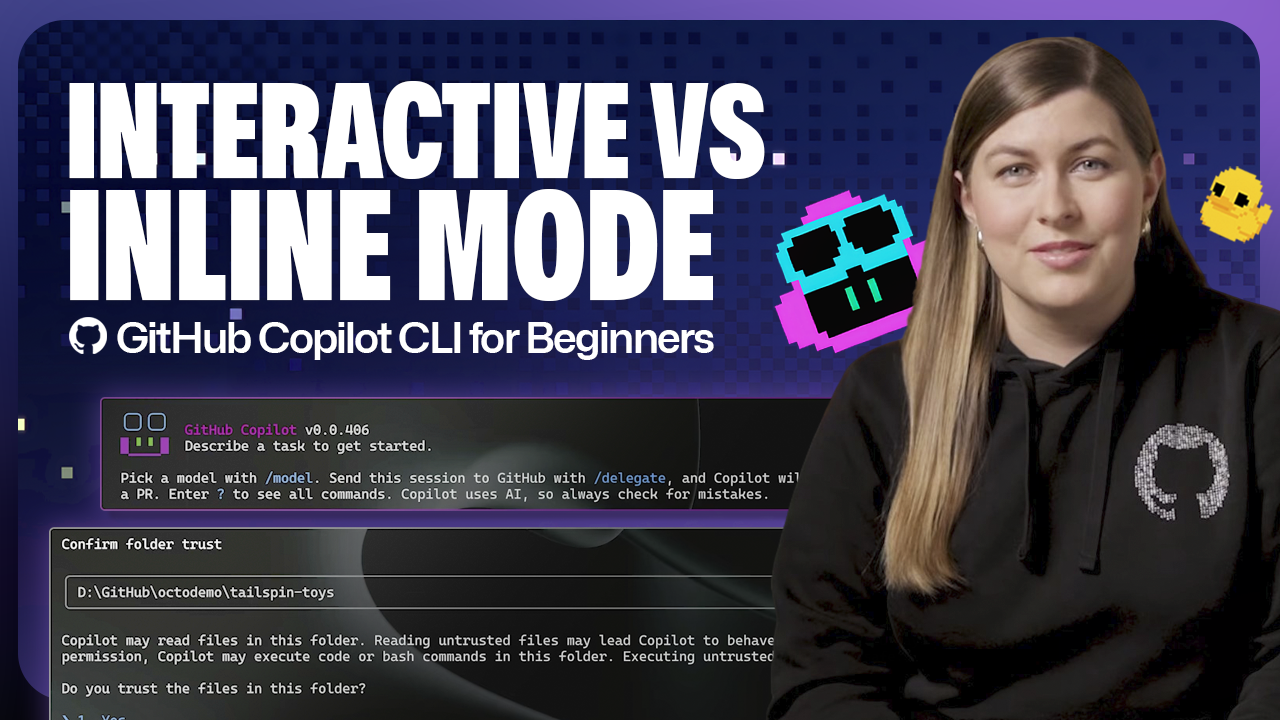
According to GitHub's blog post published April 30, 2026, the GitHub Copilot CLI provides two primary modes: interactive mode and non-interactive mode. The post describes interactive mode as the default, chat-like session where users can ask follow-ups and iterate. It explains that launching copilot enters interactive mode and that Copilot may prompt you to trust the folder so it can read and modify files. The post describes non-interactive mode as optimized for speed and single-prompt, one-off answers. The article is part of a beginner-focused series and includes a worked example (an emoji list generator) demonstrated on the Rubber Duck Thursday stream.
What happened
According to GitHub's blog post published April 30, 2026, GitHub Copilot CLI exposes two main operating modes: interactive mode and non-interactive mode. The post states that interactive mode is the default and offers a back-and-forth, chat-like session where users can ask questions, review responses, and follow up within the same session. The post also describes non-interactive mode as designed for speed and simplicity, accepting a single prompt for a one-off answer.
Technical details
Per the blog, to enter interactive mode a user types copilot at the command line and hits Enter. The post notes that Copilot may request that you "trust this folder" to allow it to read and modify files. The post gives a short, example-driven walkthrough (an emoji list generator demonstrated during the Rubber Duck Thursday stream) as a beginner-friendly illustration of using the CLI.
Editorial analysis - technical context
For practitioners, the dichotomy between session-based interactive workflows and single-request non-interactive invocations maps to common developer needs. Interactive sessions preserve conversational context and state, which helps multi-step tasks and iterative debugging. Single-prompt calls reduce overhead and are easier to script where prompt-response determinism matters.
Editorial analysis
Context and significance: Command-line access to AI assistants brings generative help directly into developer workflows and CI environments. Industry experience shows that offering both interactive and non-interactive modes lowers friction for exploratory work while enabling automation in pipelines and editor integrations.
What to watch
Observers should track how permission prompts (the "trust this folder" flow) are implemented across platforms, whether examples expand to CI/automation patterns, and how usage telemetry influences default behavior for CLI sessions.
Key Points
- 1GitHub documents two CLI modes: interactive (default) for iterative sessions and non-interactive for single-prompt answers, clarifying workflows.
- 2Interactive sessions retain conversational context, which benefits stepwise development; single-shot calls favor scripting and CI automation.
- 3Security/permission prompts ("trust this folder") are surfaced in the CLI, so practitioners should consider file-access implications for automation.
Scoring Rationale
This is a practical product-level clarification that helps developers choose between session-based and single-prompt workflows. It is useful but not a frontier technical advance.
Practice with real Health & Insurance data
90 SQL & Python problems · 15 industry datasets
250 free problems · No credit card
See all Health & Insurance problems