GitHub Copilot CLI Adds Slash Commands for Control
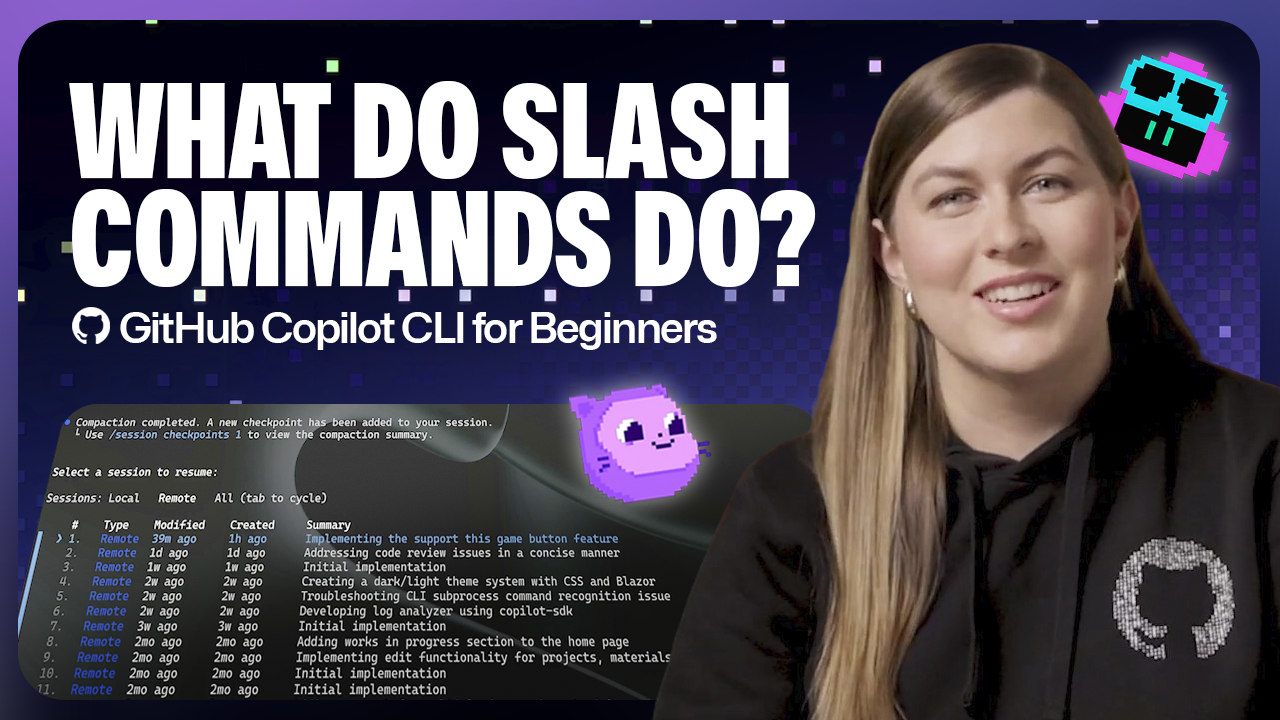
GitHub's official Copilot CLI documentation - a June 15, 2026 "For Beginners" post by Kayla Cinnamon plus a companion command reference by Jacklyn Carroll - details built-in slash commands that let developers control the terminal AI agent explicitly instead of through natural-language prompts. Typing / surfaces commands for switching models (/model, which shows capabilities, availability and a cost multiplier per option), managing context (/context, /compact, /clear), resuming prior sessions (/resume), inspecting changes (/diff), and scoping file access (/add-dir, /list-dirs, /cwd). For practitioners, the real value is governance: explicit, repeatable commands create an auditable trail for file access and session activity that natural-language prompts can't guarantee, which matters for teams running Copilot CLI in compliance-sensitive codebases.
What happened
GitHub published two Copilot Blog resources detailing slash commands in Copilot CLI: a June 15, 2026 "For Beginners" post by developer advocate Kayla Cinnamon, and a companion reference, "A cheat sheet to slash commands in GitHub Copilot CLI," by Jacklyn Carroll, first published in January 2026 and updated May 13, 2026. Both describe the same feature: typing / in Copilot CLI surfaces a scrollable list of built-in commands that act as an explicit control surface for the terminal AI agent, as an alternative to natural-language prompting.
Technical details
Per GitHub's documentation, the command set spans several areas: model selection (/model, which displays each option's capabilities, availability, and a cost multiplier), context management (/context to check token usage, /compact to summarize and free up space, /clear to reset entirely), session continuity (/resume, to reopen a prior local or remote session), change inspection (/diff), directory scoping (/add-dir, /list-dirs, /cwd), and session/usage reporting (/session, /usage). Additional commands cover configuration (/theme, /reset-allowed-tools) and external integrations (/agent, /delegate, /mcp, /share).
For practitioners
This is a governance and ergonomics update rather than a model or architecture change. The practical benefit is predictability: slash commands always trigger the same action, unlike natural-language prompts that can be interpreted differently across runs. /add-dir and /list-dirs in particular let teams scope Copilot's file access explicitly and create an auditable record of what was granted, which matters for organizations running Copilot CLI against regulated or sensitive codebases. /session and /usage give teams a way to monitor Copilot CLI activity for auditing and cost tracking without leaving the terminal.
What to watch
GitHub frames slash commands as an expanding surface - /delegate, /agent, and /mcp already point toward deeper CI/CD and multi-agent integration. Teams standardizing on Copilot CLI should watch whether GitHub adds finer-grained permission or audit-log commands, and whether the command set stays in sync across the CLI, Copilot Chat, and agent mode, where GitHub says slash commands are also available.
Key Points
- 1GitHub's official documentation details built-in Copilot CLI slash commands (/model, /context, /resume, /add-dir) for explicit terminal-agent control.
- 2Model switching via /model surfaces capabilities, availability, and a per-model cost multiplier, helping developers balance reasoning depth against usage cost.
- 3Explicit commands create auditable file-access and session trails that natural-language prompts can't guarantee, useful for compliance-sensitive CLI workflows.
Scoring Rationale
This is an incremental but practical tooling update that improves developer ergonomics and governance for CLI-driven Copilot workflows. It is useful for practitioners but not a paradigm-shifting model or infrastructure release.
Sources
Public references used for this report.
Practice with real Health & Insurance data
90 SQL & Python problems · 15 industry datasets
250 free problems · No credit card
See all Health & Insurance problems