GitHub Builds Emoji List Generator with Copilot CLI
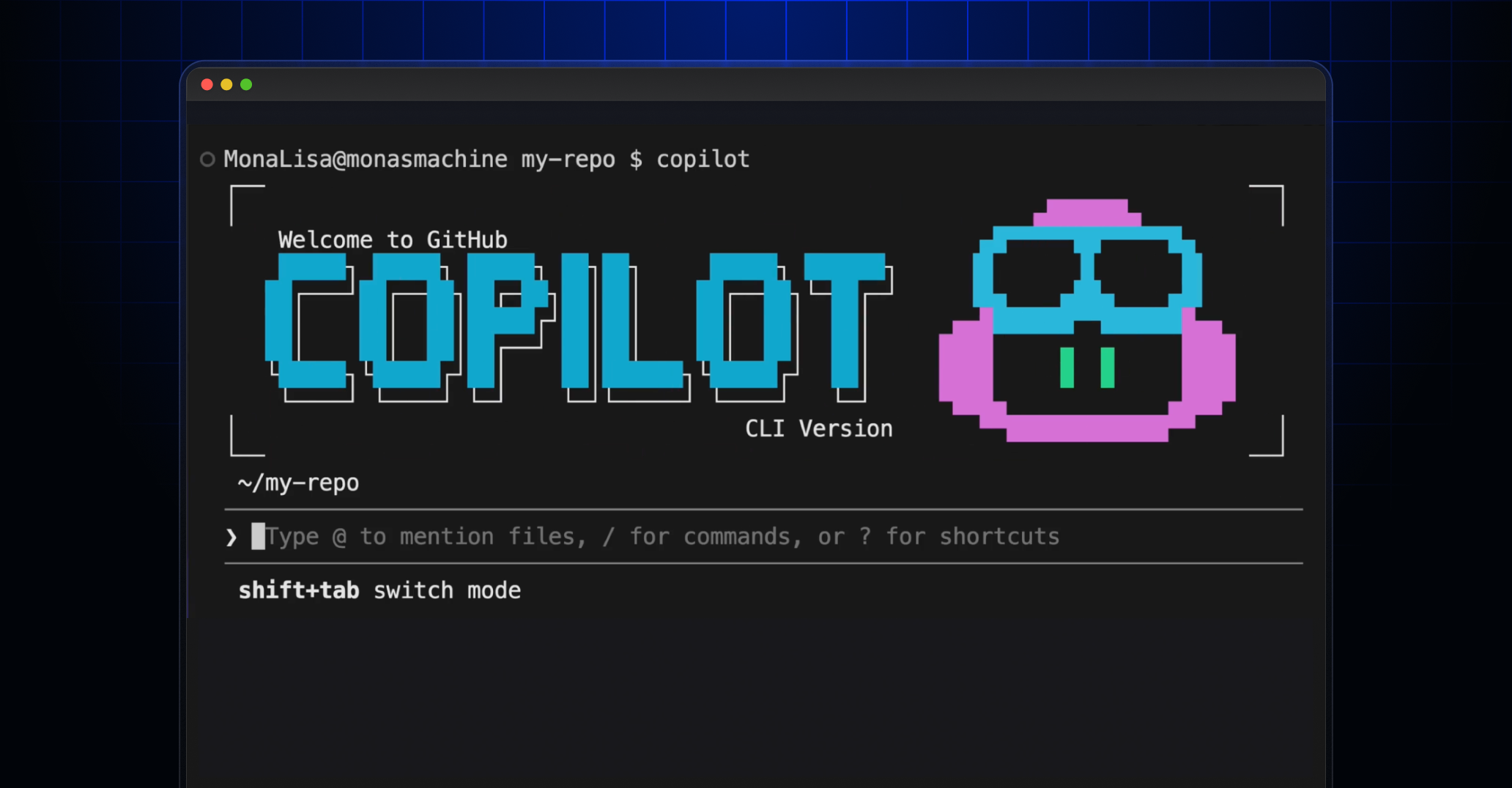
GitHub built an interactive terminal tool, the Emoji List Generator, using the GitHub Copilot CLI during a live Rubber Duck Thursday stream. The tool accepts pasted or typed bullet lists, maps each line to contextually relevant emoji, and copies the result to the clipboard. The build used the Copilot SDK as the AI backend alongside a terminal UI library and a clipboard helper, with planning performed in the Copilot CLI using Claude Sonnet 4.6. This is a compact example of using agentic Copilot workflows to assemble small developer-facing utilities and dogfooding new CLI capabilities.
What happened
GitHub built a small developer utility, the Emoji List Generator, live on the Rubber Duck Thursday stream using the GitHub Copilot CLI. The app converts pasted or typed markdown bullet points into emoji-annotated lines and copies the transformed list to the clipboard, demonstrating a rapid, end-to-end developer workflow powered by AI.
Technical details
The implementation combines a terminal UI, the Copilot AI SDK, and clipboard access. Key components used include @opentui/core for the terminal interface, @github/copilot-sdk as the AI brain, and clipboardy to place the output on the clipboard. The team authored a plan in the Copilot CLI, using Claude Sonnet 4.6 in plan mode to orchestrate the behavior, then iterated on code generated and suggested by the Copilot flow.
- •Features implemented during the stream include real-time paste or edit of bullet lists, mapping bullets to contextually relevant emoji, a Ctrl + S hotkey to trigger conversion, and automatic clipboard copy.
- •The Copilot CLI plan-mode was used as a lightweight agent to translate high-level intent into code and test cycles, illustrating how developer intent, model prompts, and small helper libraries combine to produce a usable tool quickly.
Context and significance
This build is not a research milestone but it is a clear example of how AI-assisted CLIs enable rapid prototyping of practical developer tools. The demonstration highlights two trends: first, models and SDKs are moving beyond single-turn code generation into orchestrating multi-step developer workflows; second, small, composable libraries plus an agentic CLI reduce friction for building focused utilities. For teams, this pattern lowers the bar to produce productivity tools that fit niche workflows, and it surfaces considerations around prompt design, testing generated code, and UX in terminal contexts.
What to watch
Expect more demos that dogfood Copilot CLI as a glue layer for developer ergonomics, and watch for guidance on safe prompt patterns and testing strategies as agentic CLIs move into production developer tooling.
Key Points
- 1Copilot CLI plus an SDK can orchestrate multi-step developer workflows, reducing time-to-prototype for small utilities.
- 2Embedding @github/copilot-sdk for semantic mapping of list items offloads manual mapping to the model, saving cognitive time.
- 3Live builds and dogfooding accelerate feedback loops and expose UX considerations for terminal AI-driven tools.
Scoring Rationale
This is a practical developer demo that shows productive uses of the Copilot CLI and SDK but does not introduce a research or platform paradigm shift. It is useful for practitioners exploring agentic CLI patterns and rapid prototyping.
Practice interview problems based on real data
1,625 SQL & Python problems across 15 industry datasets — the exact type of data you work with.
Try 250 free problems